How to Download Facebook Videos on Phone and PC

Facebook is packed with videos worth keeping — funny clips, cooking tips, news, tutorials, short Reels. But unlike photos, Facebook gives you no built-in Download button for video. So when you want to save a favorite clip or Reel to watch offline, keep as reference, or repost, you need a helper tool. VidBake is exactly that: paste the video link and it pulls the original file straight from Facebook's servers, saving it to your device as a high-quality MP4 — right in your browser, on phones and computers alike, with no app to install and no login.
How does VidBake download Facebook videos?
VidBake is a free downloader that runs directly in your browser. Instead of installing software or a browser extension, you open a web page, paste a link, and download. For Facebook, it handles several content types: videos inside feed posts, Reels, videos from Pages, and shortened fb.watch links. The file you get is the original the uploader posted, at full sharpness (HD or Full HD when the source has it), with no logo or username stamped on top.
One thing that matters for safety: you never type your Facebook account anywhere. VidBake only reads the video's public link to fetch the file — it never touches your password, doesn't track you, and stores nothing; your data is wiped right after the download finishes. The file also streams straight from the content server to your device, so it stays fast and private.
Steps to download a Facebook video
- Get the link on your phone: open the Facebook app, find the video or Reel, tap Share (the arrow icon) near the video, then choose Copy link. If the video sits inside a post, tap the three dots (•••) in the top corner of the post and choose Copy link.
- Get the link on a computer: open the video on facebook.com, click the three dots in the corner of the post and choose Copy link; for a Reel, click Share and then Copy link. You can also click the video to open it on its own and copy the URL from the address bar.
- Open your browser (Safari on iPhone, Chrome on Android or a computer) and go to vidbake.com/facebook. No login, nothing to install.
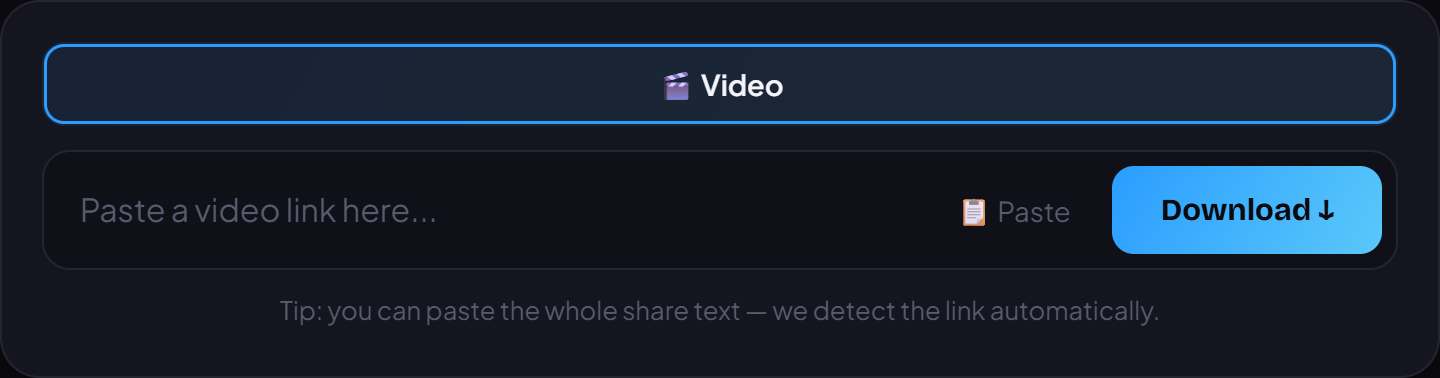
- Tap the paste box and choose Paste, or press the Paste button to drop the link in quickly; on a computer you can press Ctrl+V.
- Press Download and wait a few seconds for VidBake to read the link and fetch the original file from Facebook.
- Pick the quality you want — go for HD or Full HD when available for the sharpest picture; a lower resolution downloads lighter and faster if you only need a quick view.
- Save it. On iPhone the video goes to the Files app or your Photos library; on Android it lands in your Download folder; on PC and Mac it saves to Downloads. Done.
Tips to download faster and cleaner
A few small tips make it smoother: use Wi-Fi rather than mobile data for long videos to save both time and data; to grab several clips, just repeat the paste-and-download step one at a time. After downloading, if you want to trim, add captions, or drop in music before reposting, open the file in VidBake Studio — a free video editor for Windows that exports in HD with no watermark. And with the same paste-the-link step, VidBake also downloads from TikTok, Douyin, and Instagram.
Common problems and fixes
- Nothing loads after pasting: reopen the post, tap the video itself to get its direct link, and try again; also check that you copied the whole link.
- It says private or won't download: videos in closed groups, locked profiles, or friends-only posts can't be downloaded because they need your account's viewing permission. Only public videos work.
- No HD option: quality depends on what the uploader posted — if they only shared a standard version, there's no sharper one to choose.
- A long or messy link: just paste the whole thing; VidBake finds the link inside it, so there's no need to trim it by hand.
Frequently asked questions
Is downloading Facebook videos free? Yes. VidBake is completely free with no limit on how many times you use it.
Do I need to log into Facebook or create a VidBake account? Neither. You only use the video's public link, so your Facebook account stays safe.
Does it work for both Reels and regular videos? Yes. VidBake handles Reels, in-post videos, and videos from Pages, as long as the content is public.
iPhone makes downloading tricky — can I still do it? Yes. Use Safari to open vidbake.com/facebook; when Safari asks to allow the download, tap Allow, then find the video in the Files app under Downloads and save it on to Photos if you like.