How to Download TikTok Videos Without a Logo on Your Phone (iPhone/Android)

Videos saved straight from the TikTok app always carry a moving logo and username stamped across the screen, and they often come out lower quality. If you want to keep a favorite clip for offline viewing, repurpose it, or share it elsewhere with a clean, sharp picture, you need a way to download it without that watermark. The good news: you can do it right on your phone, with no extra app to install and no account to sign in.
Steps to download a TikTok video without a logo on your phone
- Open the TikTok app and find the video you want. Tap the Share button (the arrow on the right), then choose Copy link.
- Open your phone browser — Safari on iPhone, Chrome on Android — and go to vidbake.com/tiktok.
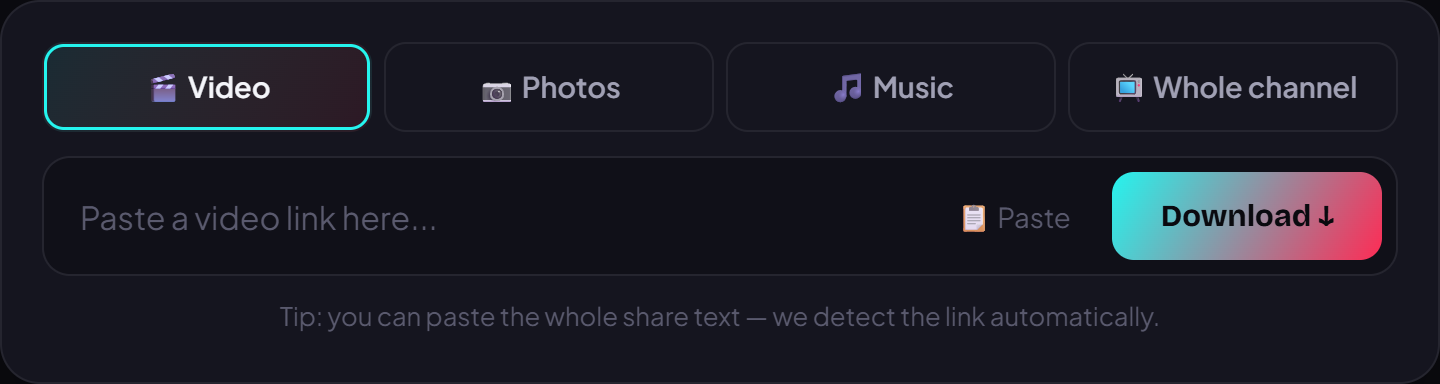
- Tap the paste box, hold, and choose Paste to drop in the link you just copied.
- Press Download. VidBake pulls the original file straight from TikTok's servers — no logo, no watermark, full HD quality kept intact.
- When the video appears, tap save to store it: on iPhone it goes to your Photos library or the Files app, on Android it downloads straight to your Download folder. Done.
Device tips and common questions
On iPhone, if Safari asks to allow the download, tap Allow; the video then sits in the Files app under Downloads, and you can save it on to Photos from there. On Android, the file lands in your Download folder and shows up in your Gallery within a few seconds. Neither needs a login or an app install, and because the file comes directly from the source it is fast and private.
VidBake does more than one clip at a time. You can pull the audio into an MP3 for a ringtone, download every image from a photo slideshow, or bulk-download an entire TikTok or Douyin channel at once — all from the same paste-the-link step.
That is all it takes — copy, paste, download, and you have a clean, crisp TikTok clip on your phone in three steps. It is completely free, needs no sign-in, and nothing you download is stored on our side. Open vidbake.com/tiktok and try it with your first video right now.