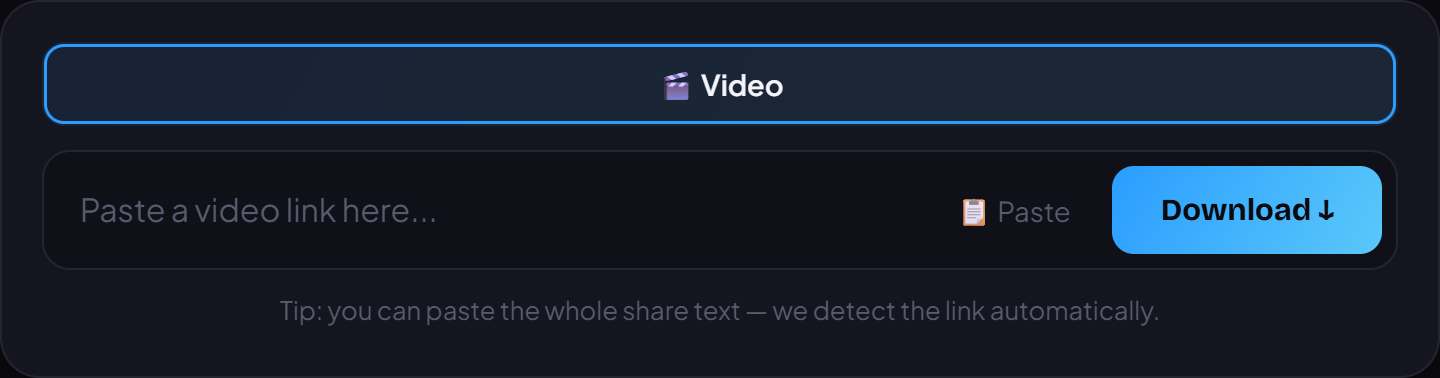
Facebook has no built-in button to save a video, so to keep a favorite clip or Reel for offline viewing or reposting you need a helper tool. VidBake pulls the original file straight from Facebook's servers and saves it to your device as an MP4 — on phones and computers alike, with no login and no extra app.
Steps to download a Facebook video
Open Facebook and find the video or Reel you want. Tap Share, then choose Copy link. If it is a video inside a post, tap the three dots in the corner and choose Copy link.
Open your browser — Safari on iPhone, Chrome on Android or a computer — and go to vidbake.com/facebook.
Tap the input box and choose Paste, or press the Paste button to drop the link in quickly.
Press Download and wait for VidBake to fetch the original file from Facebook.
Pick the quality you want (prefer HD when available) and save the video. On phones it goes to Photos or the Downloads folder; on a computer it lands in Downloads.
Paste the Facebook video link into the box on VidBake and press Download.
Notes and FAQ
Only public videos can be downloaded. Videos in private groups or locked profiles usually can't, because they need your account's viewing permission.
Both Reels and regular videos work. Quality depends on the original the uploader posted — if they uploaded a sharp version, you get a sharp download.
💡 If pasting a link shows nothing, open the post, tap the video itself to get its direct link, then try again.