How to Download Instagram Reels Without Logging In (Keep Your Account Safe)

You just watched a great Reel on Instagram and want to save it to watch offline, keep as reference, or send to a friend. The biggest hurdle is that many download sites ask you to log in with your Instagram account before they let you save anything. That is exactly when passwords get exposed and accounts get lost to an unknown website. The safest way is to download Reels without logging in anywhere: all you need is the public link to the video, so you never hand your account to anyone.
Steps to download Instagram Reels without logging in
- Open the Reel you want on the Instagram app, or open instagram.com in your browser.
- Tap the share icon (the paper airplane) below the video, then choose "Copy link".
- Open any browser (Safari, Chrome, Edge...) and go to vidbake.com/instagram.
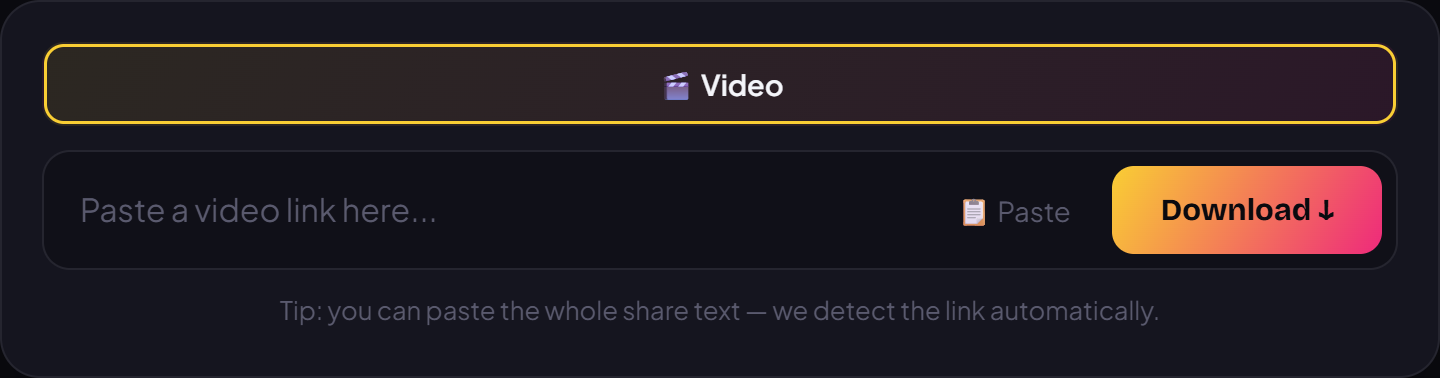
- Paste the copied link into the box, then press the Download button.
- Pick the HD quality you want. The video saves straight to your device from the original source, at full quality, with no app to install and no login.
- Want to grab more Reels? Just repeat: copy a new link, paste it in, and press Download.
Device tips and common questions
On iPhone and iPad, the video usually lands in the Files app, or you can save it straight to Photos. On Android phones, the file goes to your Download folder or Gallery. On PC and Mac, it saves to your Downloads folder like any other file. The steps are the same on every device because everything runs right in the browser, with no separate software to install.
Why is this safe for your account? Because you never type your Instagram username or password anywhere. VidBake only reads the video's public link to fetch the original file, it never touches your account and stores nothing about you. Files download directly from the source to your device, so it stays fast and private.
Ready to save your favorite Reels the safe way? Open vidbake.com/instagram, paste your link, and download right away, free, no login, no install, and it works on both phone and computer.