How to Download TikTok/Douyin Music as an MP3 (for Ringtones)

You hear the perfect sound on TikTok or Douyin — a catchy hook, a punchy beat, a funny clip — and you want it as your ringtone, notification tone, or background music. The catch is that neither app lets you save just the audio. The good news: you don't need to install anything or sign up. With nothing but the video link and a browser, you can pull the sound out as a clean, good-quality MP3 in under a minute.
Steps to download TikTok/Douyin audio as MP3
- Open the TikTok or Douyin app and find the video with the sound you want. Tap the Share button (the arrow icon), then choose Copy link.
- Open any browser (Safari, Chrome, Edge...) and go to vidbake.com/tiktok/mp3.
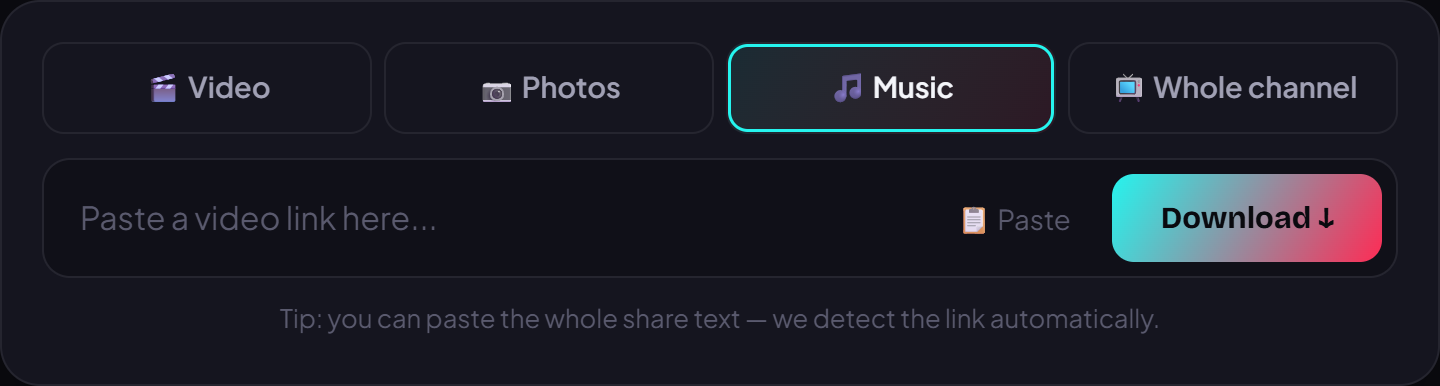
- Paste the link into the box and press Download.
- VidBake extracts the original audio from the video and turns it into an MP3. When the download button appears, tap it to save the file — no watermark, no logo, no account needed.
- That's it. The MP3 lands in your Downloads folder, ready to set as a ringtone or use anywhere you like.
Device tips and common questions
Setting an MP3 as your ringtone works a little differently per device. On Android, go to Settings > Sound (or Sound & vibration) > Ringtone and pick the MP3 you just saved. On iPhone, iOS won't let you set a raw MP3 as a ringtone directly, so you'll need one extra step with the free GarageBand app: open the MP3 in GarageBand, trim the part you like, and export it as a Ringtone. If you downloaded on a PC or Mac, just grab the MP3 and move it to your phone via cable or AirDrop.
A few common questions: Is VidBake free? Yes — completely free, with no download limits. Do I need an app or an account? Neither. Does the file lose quality? VidBake pulls the audio straight from the video's original source, so quality is preserved, and the file streams directly from the content server to your device — fast, private, and nothing is stored on the site.
Ready to turn your favorite sound into your own ringtone? Open vidbake.com/tiktok/mp3, paste your link, and grab the MP3 right now — free, no install, and it works on iPhone, Android, PC, and Mac.