How to copy a Douyin video link from the Chinese app
The Douyin app is entirely in Chinese, so a lot of people cannot tell which button copies the video link. In reality you only need two buttons: Share and Copy link. Once you have the link, paste it into VidBake to download the original Douyin video — no watermark, up to 4K — without knowing any Chinese.
Getting a Douyin link: the 2 Chinese buttons to remember
- Open the Douyin app and play the video you want.
- Tap the Share icon — the 分享 button (a right-pointing arrow) in the vertical column on the right, below the like and comment buttons.
- The share sheet appears. Scroll the row of icons and find 复制链接 (Copy link) — the chain-link icon 🔗. Tap it.
- Douyin shows a "link copied" message (链接已复制). The video link is now on your clipboard.
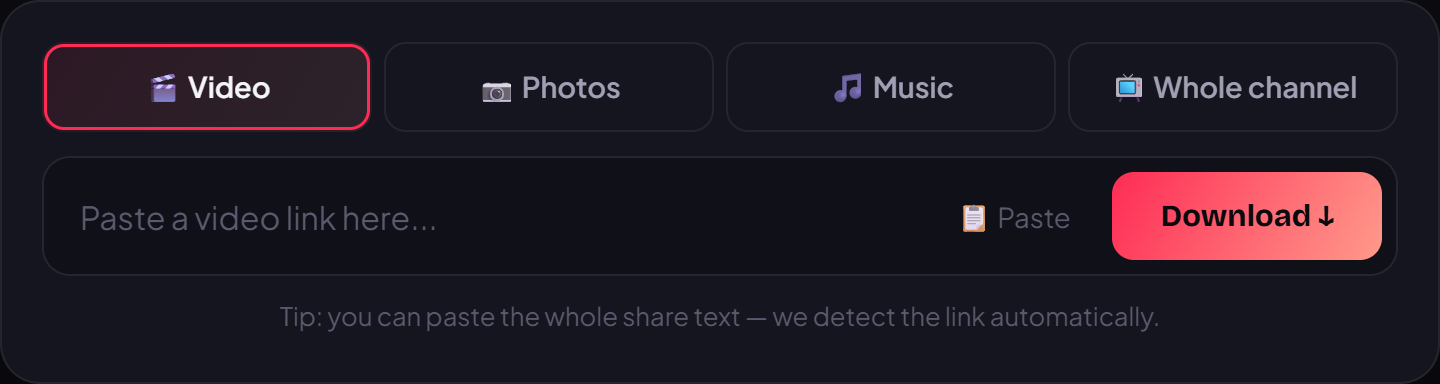
- Open a browser, go to vidbake.com/douyin, paste the link and press Download. Pick the quality (up to 4K) and save the file — no watermark, and no Chinese app needed anymore.
Frequently asked questions
Where is the Share button? In the vertical icon column on the right of the video, usually the bottom icon (the 分享 arrow). Tapping it opens the share sheet with the copy-link button.
Pasted a link but nothing loads? Make sure you tapped 复制链接 (Copy link) and not another button. A correct link usually looks like v.douyin.com/... If it still fails, reopen the video and copy it again.
Do I need a Douyin account? No. VidBake only needs the public video link — you never log into Douyin or install anything.